
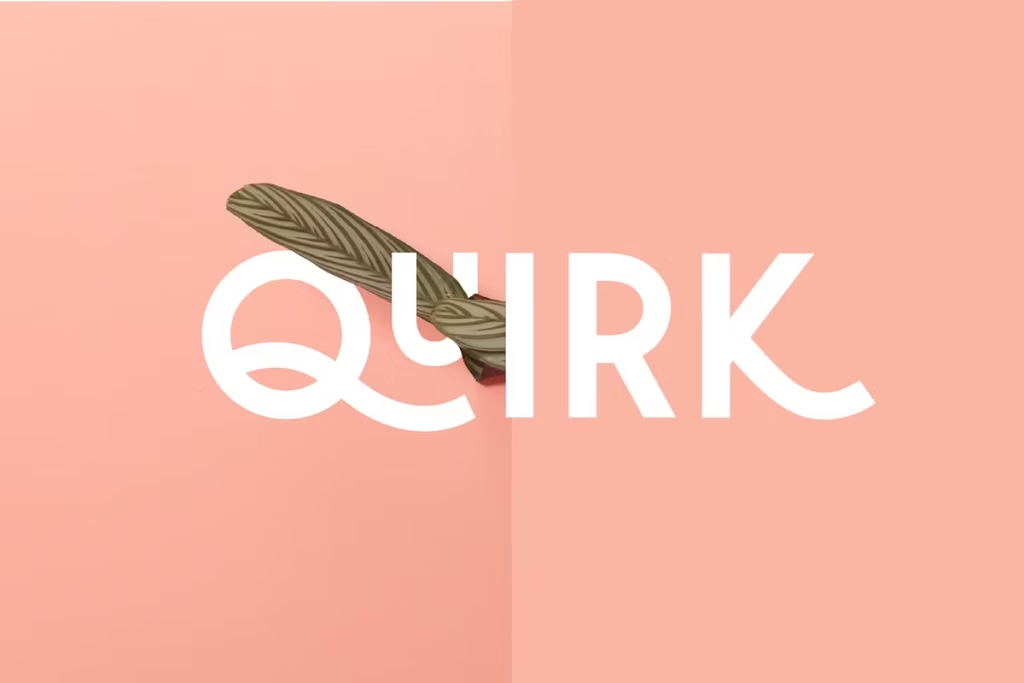
Introducing Quirk: The Playful Stackable Display Font
Quirk is a really cool font that’s all about having fun with words. It’s a stackable display font, which means you can mix and match different parts to create something totally unique. This font is perfect for designers who want to add a bit of personality to their work. You can use it to make all sorts of creative typography, from playful headings to eye-catching graphics. The best part is, you can customize it to fit your style, so the possibilities are endless.
Whether you’re working on a project that needs a little extra flair or you just want to try something new, Quirk is definitely worth checking out. It’s a great way to add some visual interest to your designs and make them stand out from the crowd. With Quirk, you can create designs that are truly one-of-a-kind, and that’s what makes it so exciting to work with.
Design Style of Quirk
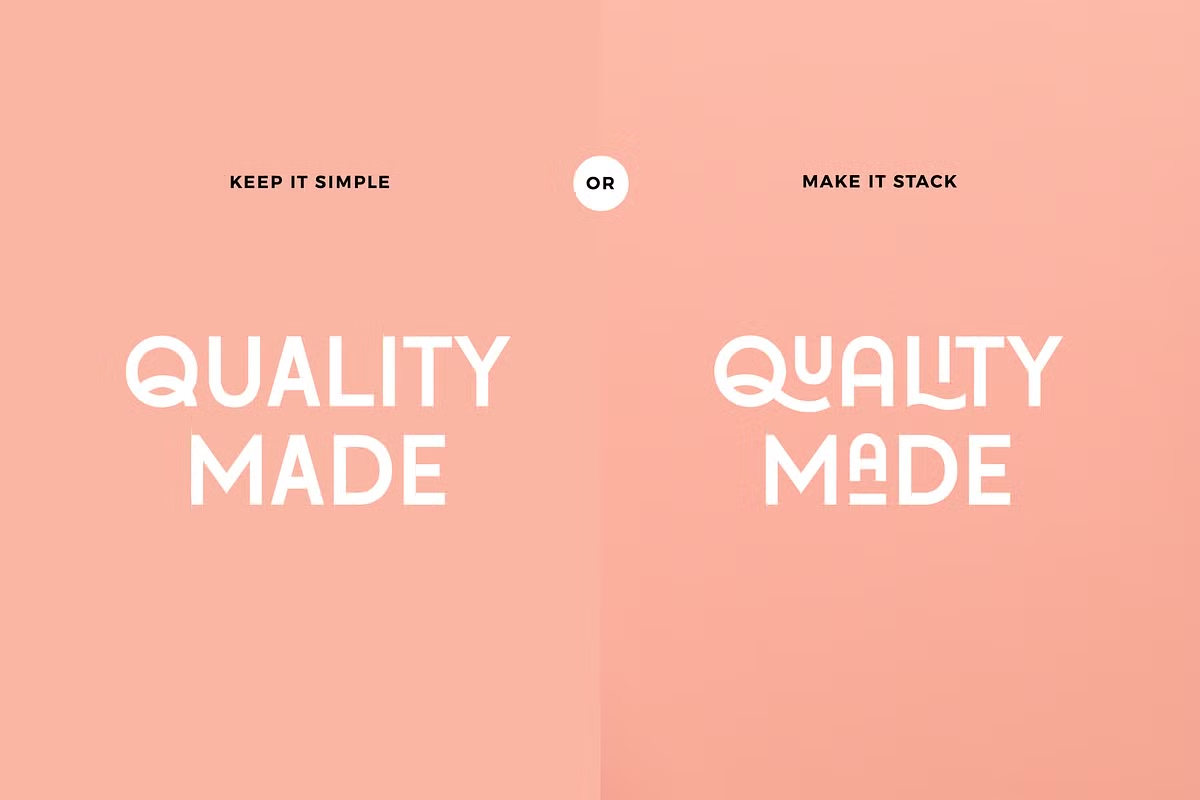
Quirk’s design is all about being bold and playful, which makes it great for lots of different design projects. So, if you’re making a poster, creating social media graphics, or working on branding materials, Quirk is a good choice because it has a fun and eye-catching look.
One cool thing about Quirk is that it’s in all-caps, which really makes your words stand out. Plus, you can stack the letters on top of each other, which adds a pretty dynamic touch that you don’t usually see with regular fonts. This makes Quirk really versatile and perfect for designers who want to add some personality to their work.
Whether you’re going for a fun, casual vibe or something a bit more striking, Quirk is definitely worth considering. Its unique look and feel can really help your designs pop and grab people’s attention. Quirk’s playful style fits with lots of different themes. It’s good for both everyday and fancy situations, and it changes easily to match different feelings and looks.
Character Sets and Alternate Characters
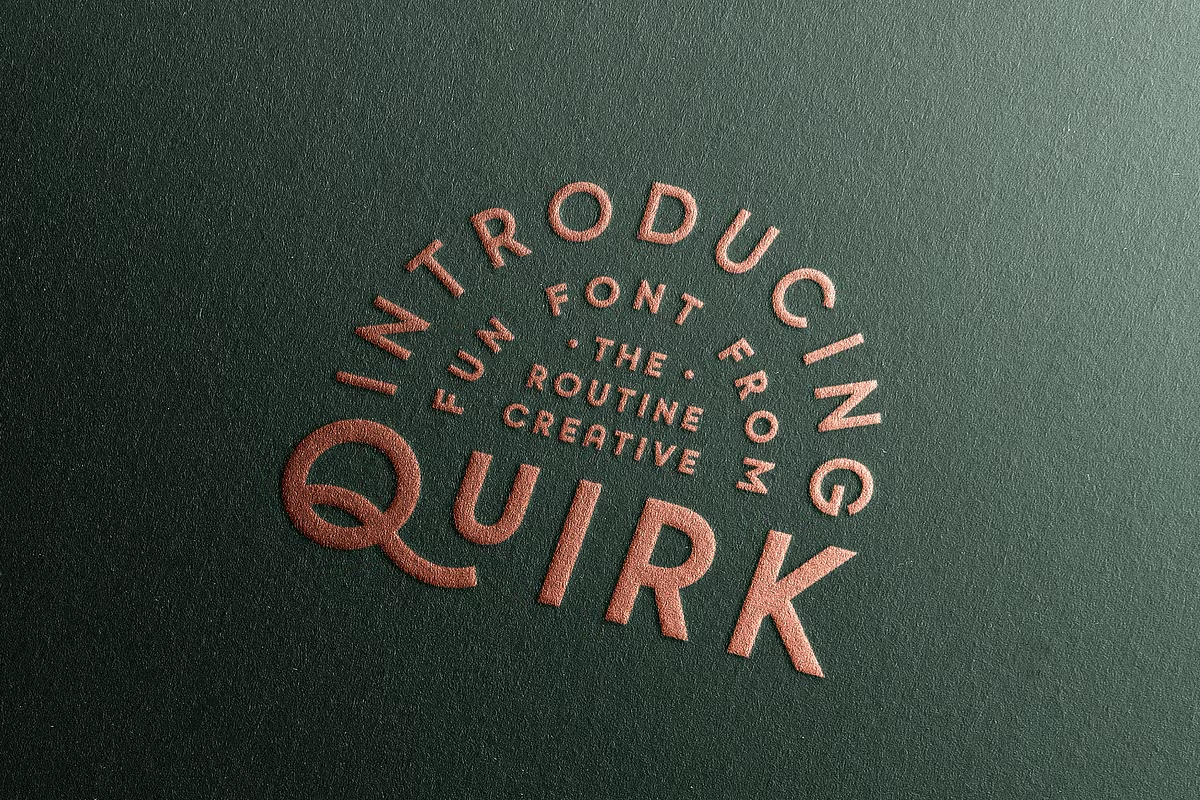
Quirk comes with a variety of character sets that enhance its usability. Featuring all capitalized letters, the font offers alternate characters and small caps alternate characters, providing you with options to diversify your typographic designs. Additionally, it includes numbers and special characters, making it a comprehensive choice for any creative project.
You can use programs like Adobe Illustrator or Photoshop to get to the extra characters. Just open the glyphs panel and you’ll see all the options. This lets you make your text even more special, so your designs stand out and look really cool. It’s a great way to add some personality to your work and make it different from everything else.
How to Access Alternate Characters
To find alternate characters in Quirk, it’s actually pretty easy. If you’re using Adobe Photoshop, just go to Window and click on Glyphs. For Adobe Illustrator, it’s similar – just head to Type and then Glyphs. This is where you can see all the different characters that are available.
But, if you’re having a bit of trouble finding them, make sure you don’t have the caps lock on, because that can affect what you see. A simple trick to get around this is to switch to “Entire Font” in the dropdown menu, and that way you can see everything, whether your caps lock is on or off.
Use Cases for Quirk
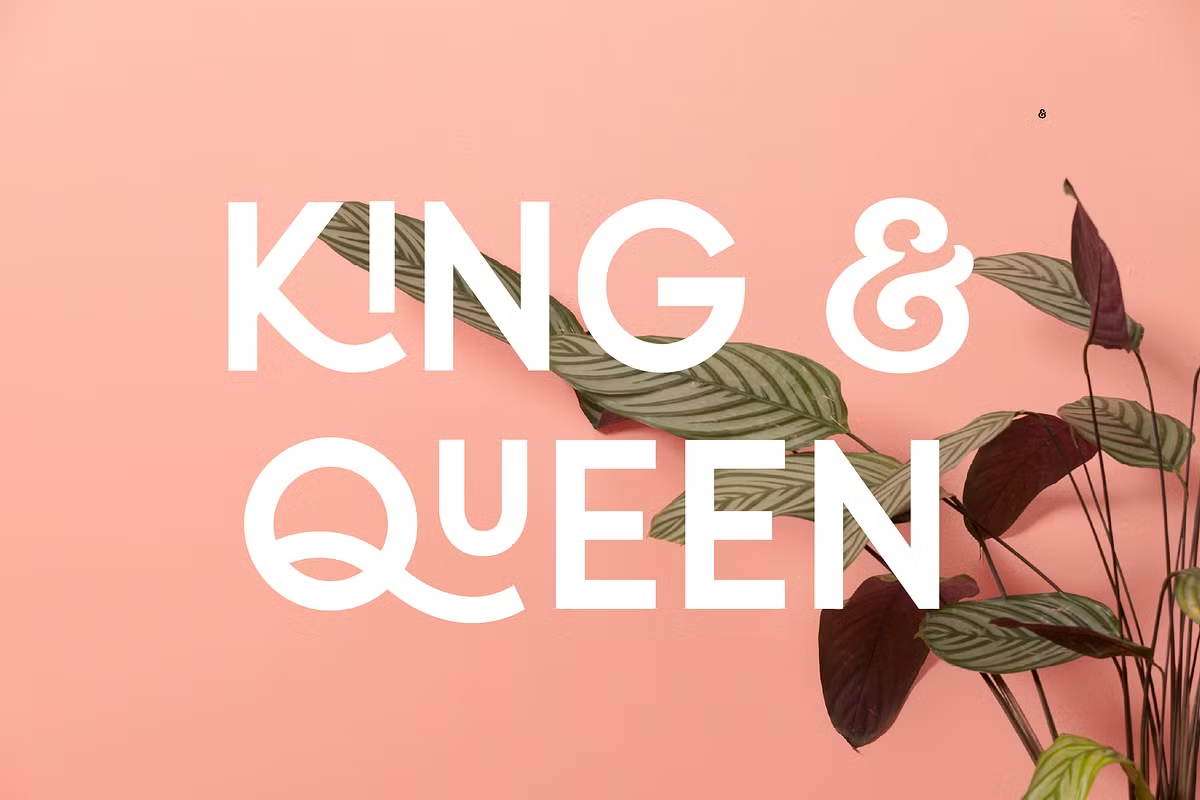
Quirk’s playful nature lends itself to a variety of creative applications. Here are some prominent use cases where Quirk shines:
- Branding: Quirk is an excellent choice for brands looking to convey a fun and approachable image. Its unique character can be integrated into logos, packaging, and marketing materials.
- Event Posters: The font’s stackable display nature makes it ideal for event promotions, such as concerts, festivals, and community gatherings, where attracting attention is key.
- Social Media Graphics: Create eye-catching posts and stories that stand out in crowded feeds. Quirk’s bold design ensures your messages are seen and remembered.
- Children’s Products: For products aimed at children, Quirk’s playful design can help make them more appealing and engaging, from book covers to educational materials.
Pairing Suggestions for Quirk
To maximize the impact of Quirk in your design projects, consider pairing it with bold sans serif fonts. This combination allows for a balanced visual hierarchy, where Quirk can shine without overwhelming the viewer. Here are a few pairing suggestions:
- Montserrat: This modern sans serif font complements Quirk’s playful nature while maintaining readability, making it perfect for body text.
- Raleway: The elegant lines of Raleway contrast beautifully with Quirk’s boldness, creating a sophisticated yet fun design.
- Poppins: With its geometric shapes, Poppins pairs well with Quirk for a contemporary feel, suitable for digital and print applications.
Licensing and Software Requirements
Quirk comes in a range of formats, like OTF, TTF, and WOFF files, so it works with most graphic design programs. But to really get the most out of this font’s advanced features, you should use software that supports OpenType features, such as Adobe Illustrator, InDesign, or Photoshop. This way, you can access all the extra characters and make the most of what Quirk has to offer.
When using Quirk, keep in mind that simple programs like Microsoft Word might not be able to handle all its features. This could hold you back from getting the most out of this special font. To really make the most of it and create amazing designs, it’s better to use more advanced graphic design software. This way, you can unlock all the possibilities that Quirk has to offer and take your designs to the next level.
Conclusion
Quirk is not just a font, it’s a way for designers to be creative and have fun with their work while still looking professional. It has some really cool features, like being able to stack letters on top of each other, and it comes with a lot of different characters. Plus, it works with lots of different design programs, so you can use it no matter what you’re working on.
Whether you’re making a brand look cool, planning an event, or just posting on social media, Quirk can help make your words stand out and connect with the people you’re trying to reach. It’s a great way to add some personality to your designs and make them more interesting. By using Quirk, you can make your projects more fun and engaging, and that’s what it’s all about – having fun and being creative!