
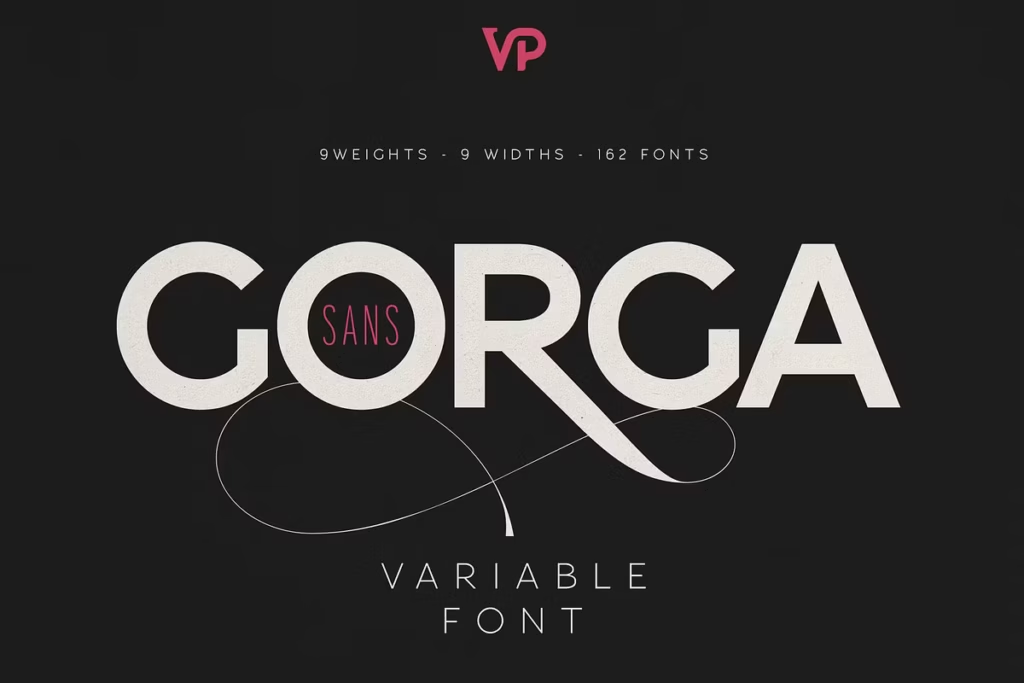
Gorga Sans: Versatile Variable Font Family with 162 Styles
Introduction to Gorga Sans
Gorga Sans is a really impressive font family with a huge range of styles – 162 to be exact. It goes all the way from super thin and condensed to really bold and expanded. What’s great is that each style has a beautifully designed italic version too, which makes Gorga Sans a top choice for typography. The people who made this font family clearly thought about what designers need, because it’s got a perfect mix of looking good and being versatile. This means it’s great for all sorts of creative projects, and it’s basically a complete system for typing that can handle whatever you throw at it.
Font Features of Gorga Sans
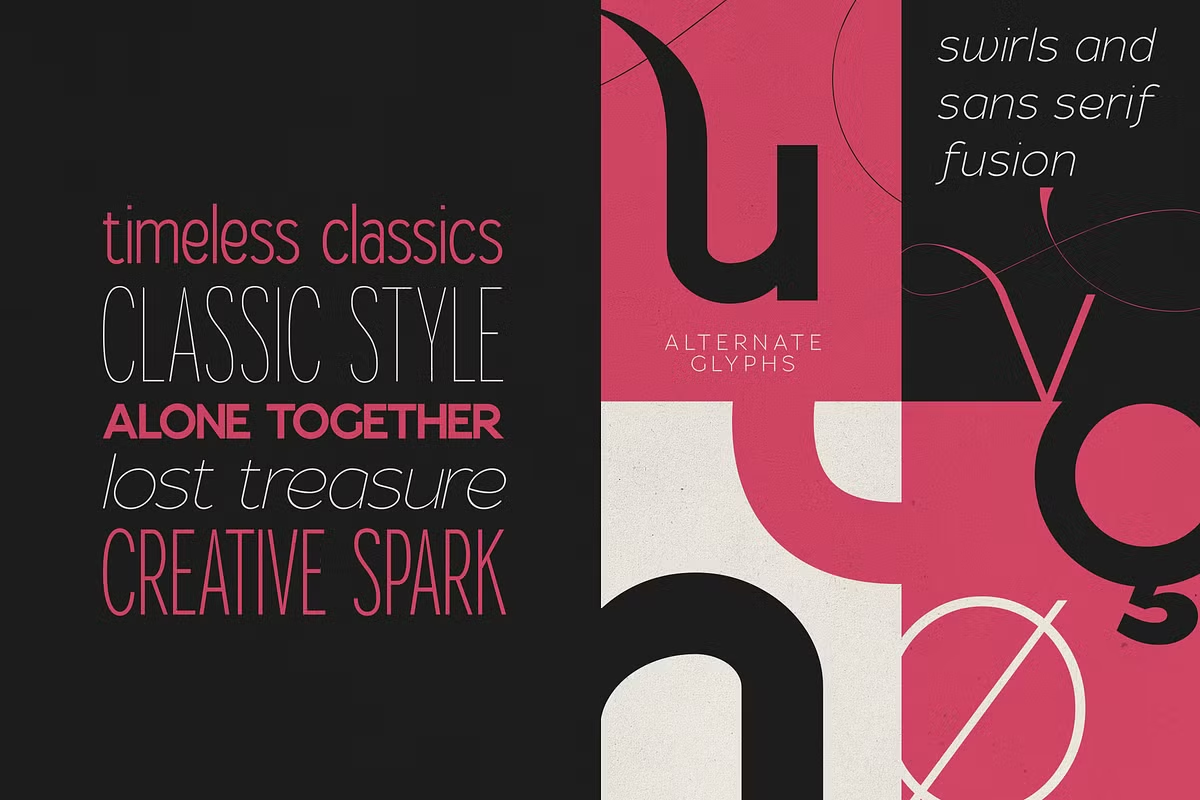
One of the things that really sets Gorga Sans apart is the huge range of styles it offers. The font family comes with a whole bunch of different options, including:
- 162 Fonts Total: Covering weights from Thin to Black and widths from Ultra Condensed to Ultra Expanded.
- Gorga Sans offers a complete set of italic fonts, with every weight and width having a corresponding italic version.
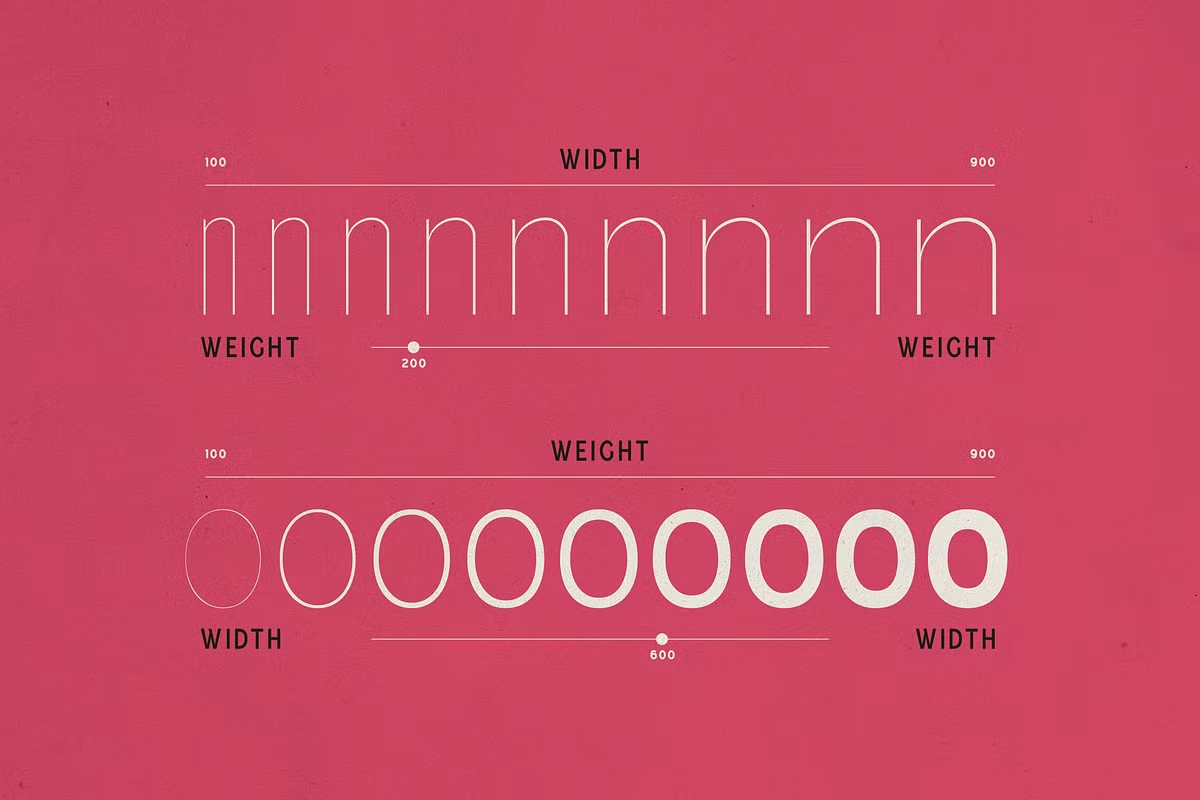
- Two Variable Fonts: Regular and Italic, each equipped with adjustable Weight and Width axes, allowing for seamless customization.
- Alternate Glyphs: Beautiful swashes and alternate glyphs are included, providing additional flair for your designs.
The font is really easy to read because it has precise spacing between letters and simple outlines, which means it looks clear no matter how big or small it is.
Use Cases for Gorga Sans
Gorga Sans is really good for lots of different things, which makes it super useful for people who design stuff. Here are some examples of when you might want to use it:
- Brand Identity Systems: The varied styles and weights allow for a cohesive yet dynamic brand identity, essential for logos and promotional materials.
- Editorial and Print Layouts: Gorga Sans offers both style and readability, making it excellent for magazines, brochures, and books.
- Websites and Apps: Its responsive typography makes Gorga Sans suitable for digital interfaces, enhancing user experience across devices.
- Expressive Typography: With its range of weights and alternate glyphs, Gorga Sans enables designers to create unique typographic expressions in their work.
Pairing Suggestions for Gorga Sans
When working with Gorga Sans, effective pairing can elevate your design projects even further. Here are some pairing suggestions:
- Serif Fonts: Pair Gorga Sans with a classic serif font like Georgia or Times New Roman for a striking contrast between modern and traditional styles.
- Display Fonts: Combine it with a bold display font like Oswald or Montserrat for headlines to create a compelling visual hierarchy.
- Handwritten Fonts: For a more relaxed feel, try combining Gorga Sans with a handwritten font, such as Pacifico or Patrick Hand – it adds a personal touch to your work.
You can use these fonts together to create a nice balance between casual and polished.
Language Support of Gorga Sans
Gorga Sans is equipped with extensive language support, covering a total of 85 languages. This inclusivity allows designers to use the font family in a variety of linguistic contexts, making it a great option for global brands. Supported languages include:
- Afrikaans
- Albanian
- German
- Spanish
- French
- Italian
- Turkish
- Swahili
- And many more…
This means Gorga Sans can be used in many different places and for lots of different things, so it’s really useful for people all around the world. It’s a font family that can work well in many markets and situations, which makes it very versatile.
Accessing Alternate Glyphs in Gorga Sans
To fully utilize the beauty of Gorga Sans, accessing its alternate glyphs is essential for adding unique touches to your designs. Here’s how to access these glyphs in popular design software:
- To find more font options in Adobe InDesign, go to Window, then click on Type & Tables, and select Glyphs. This will open up a new panel where you can browse through all the alternate glyphs available for the font you’re using.
- To get the job done in Adobe Illustrator, just like in InDesign, you need to go to the top menu, click on Window, then select Type & Tables, and finally choose Glyphs – this is where you can pick the alternate characters you want to use.
- To get started with Adobe Photoshop, go to the Window menu and pick Glyphs. Then, click on the Show menu and select Alternates for Selection. This will show you all the options you can use for your text. You can use these options to change how your text looks and make it more interesting.
By mastering these tools, you can effortlessly enhance your typography with the elegant swashes and alternate styles that Gorga Sans offers.
Conclusion
So, what makes Gorga Sans so special? It’s not just a font, it’s a whole toolbox for designers. With 162 different styles to choose from, it’s got everything you need to make your project look amazing. Plus, it supports a ton of languages, so you can use it for anything from branding to editorial design. Want to create a sleek website or a magazine that really pops? Gorga Sans has got you covered. And with its fancy alternate glyphs, you can add a touch of elegance to your design. Whether you’re making a logo, a website, or something else entirely, Gorga Sans is the perfect choice. It’s flexible, it’s stylish, and it can really bring your vision to life. So why not give it a try on your next project and see what it can do?