
Lino Gothic: Vintage Letterpress Display Font with Unique Textures
Introducing Lino Gothic
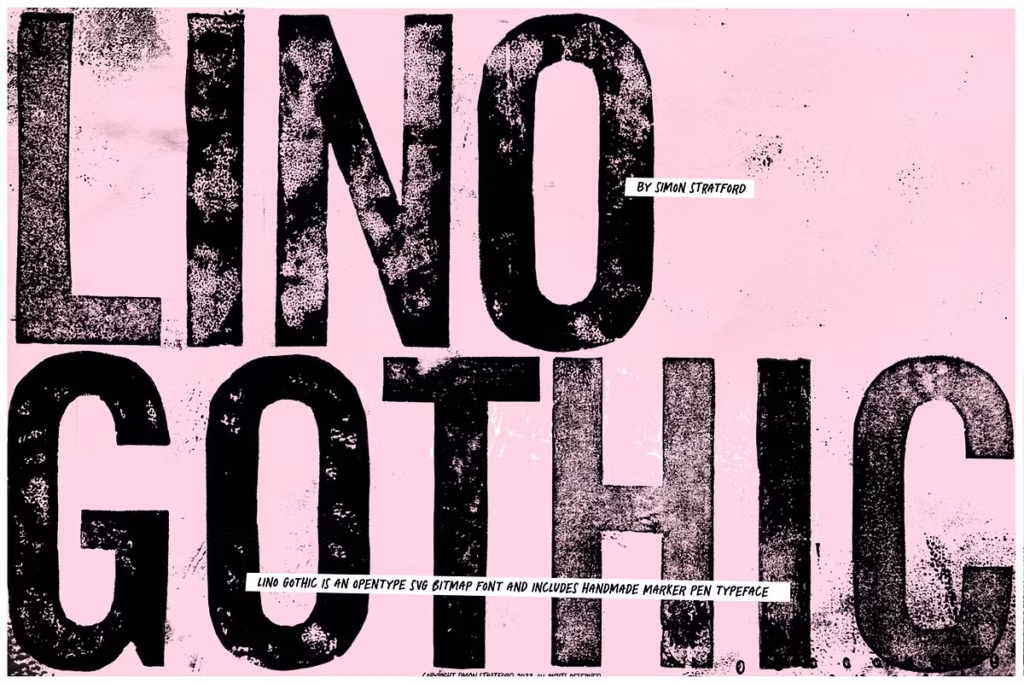
Lino Gothic is a really cool font that looks like it was made using old letterpress printing. It was created from linocut prints, which gives it a worn, wooden look that adds a lot of character to your designs. Each letter is like a little piece of art, showing off the beauty of handmade typography. This makes it a great choice for people who love traditional printing. Plus, it comes with a free script font that you can draw by hand, making it perfect for all sorts of creative projects.
You can use it to add a personal touch to your work, and it’s especially good for things like posters, invitations, and other designs where you want to stand out. The font’s unique texture and look will make your designs feel more authentic and handmade, which can be really appealing to people who appreciate that kind of thing. Overall, Lino Gothic is a great font for anyone who wants to add a bit of vintage charm to their work.
Design Style and Unique Features
The style of Lino Gothic is really old-school, it’s like a mix of classic letterpress and modern typography. This font has some cool features, like:
- Letterpress Texture: Each character is imbued with the distinct textures that emerge from the linocut printing process, lending an organic feel that digital fonts simply cannot replicate.
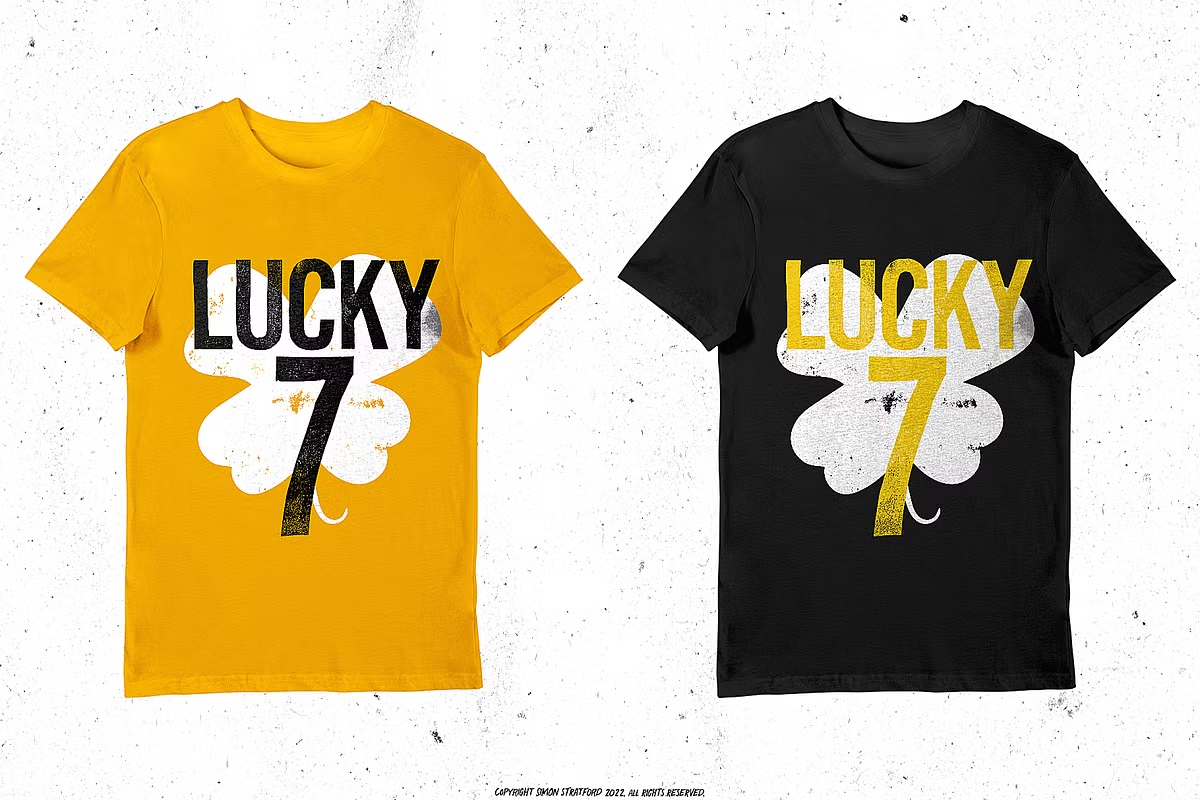
- Lino Gothic has lots of different versions of each big letter – five to be exact. This means designers can pick and choose to create a look that’s more varied and looks like it was printed on an old-fashioned press. It’s a great way to add some realism to your designs.
- OpenType SVG Bitmap Format: Utilizing the advanced OpenType SVG bitmap format, Lino Gothic provides thousands of shades of black and grey, enhancing the detail and richness of each letter.
This combination of factors results in a display font that is not only visually striking but also highly versatile, making it an ideal choice for both digital and print applications.
Character Sets and Glyphs
Lino Gothic offers an extensive character set that caters to various design needs. The included features are as follows:
- Uppercase Characters: The font includes all A-Z uppercase letters, each with five unique alternatives to ensure diversity in your typography.
- Basic Numbers and Punctuation: Essential for any font, Lino Gothic includes basic numbers and punctuation marks, making it suitable for a wide range of content.
- Basic Symbols: Additional symbols and marks are included, allowing for more complex typographical compositions.
If your software doesn’t work with OpenType SVG, don’t worry, we’ve got you covered. We include high-resolution image backups of all the glyphs, so you can still use them, you’ll just have to put them together manually.
Use Cases for Lino Gothic
Lino Gothic is a versatile font that lends itself well to various applications. Here are some notable use cases:
- Branding and Identity: The vintage aesthetic of Lino Gothic makes it perfect for branding projects that aim to convey a sense of authenticity and nostalgia.
- Packaging Design: Use Lino Gothic on product packaging to create eye-catching designs that stand out on the shelves while providing a handcrafted feel.
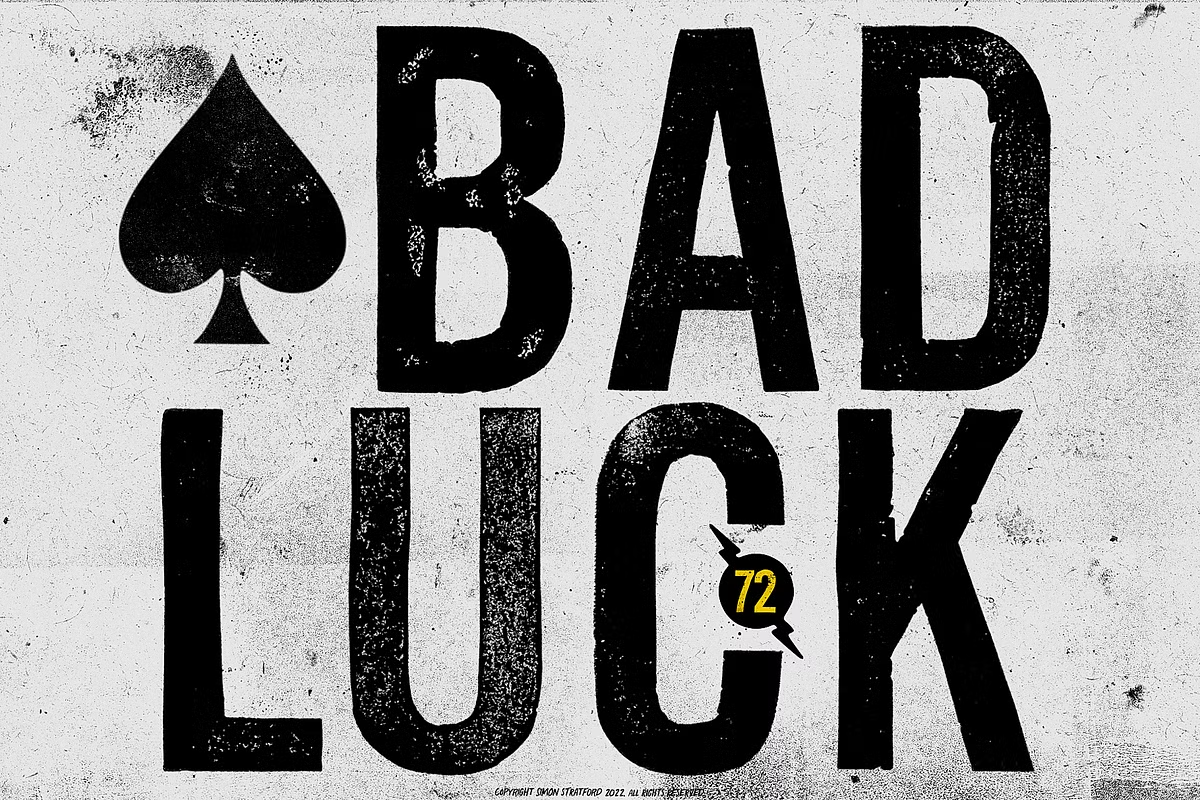
- Posters and Flyers: The unique textures and variations of Lino Gothic make it ideal for promotional materials, giving them a distinctive look that captures attention.
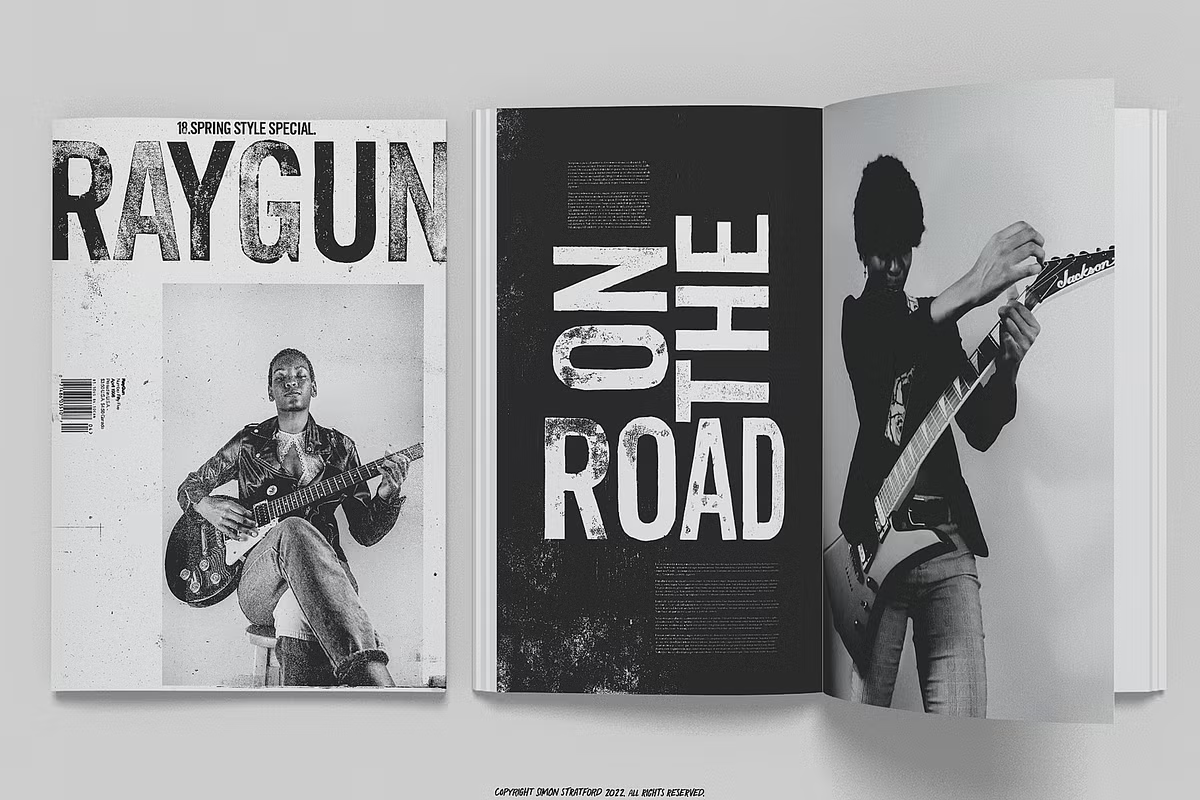
Using Lino Gothic for editorial design can really make a difference. It’s great for magazines, books, and online stuff. This font adds a lot of depth and character to headings and important text, making it stand out.
Pairing Suggestions
When it comes to typography, pairing fonts effectively can make a significant difference in the overall aesthetic of your design. Here are some pairing suggestions to complement Lino Gothic:
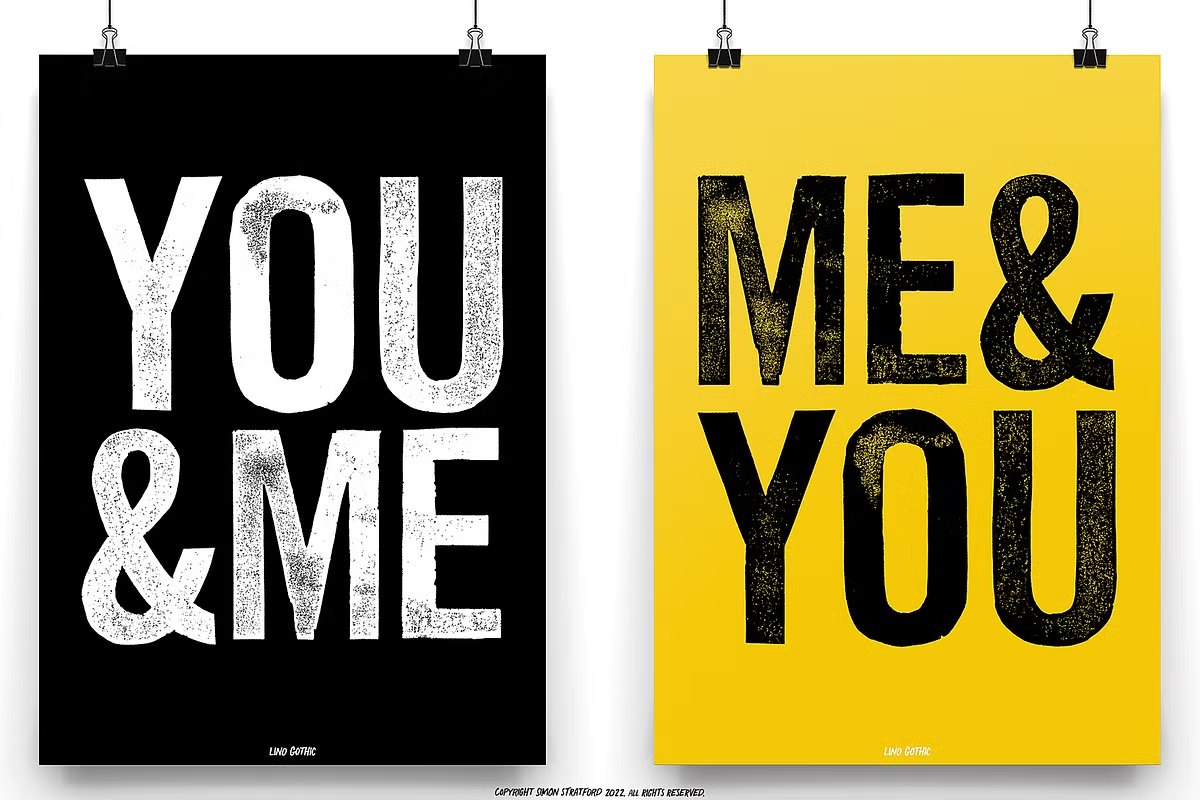
- When using Lino Gothic, it’s a good idea to pair it with simple fonts like Helvetica or Avenir for the main text. This way, the fancy parts of Lino Gothic can stand out without being too much for the reader. The clean lines of these fonts help balance out the decorative feel of Lino Gothic, making it easier to read and look at.
- Serif Fonts: For a more classic look, consider combining Lino Gothic with a serif font such as Georgia or Times New Roman. The combination of styles enhances the vintage feel.
- If you want a more relaxed look, try combining Lino Gothic with handwritten fonts like Pacifico or Dancing Script. This mix can make your design feel friendly and welcoming.
Experimenting with different pairings can help you discover the perfect balance that enhances your design while ensuring readability.
Licensing and Compatibility
So you want to use Lino Gothic in your projects – that’s a great choice. But first, let’s talk about the important stuff: licensing and software compatibility. You need to know what you’re getting into before you start using it. Here are the main things to consider:
- When you get Lino Gothic, you should know it comes with a basic license. This license lets you use it for personal stuff and for your business. But, it’s always smart to read the fine print, so you know you’re using it correctly and not breaking any rules.
- To work properly, Lino Gothic needs the latest software. It works with Adobe Photoshop CC 2017 and later, Illustrator CC 2018 and later, and some OSX apps that come with Macs. If you’re using a Windows computer, make sure you have the latest versions of these apps too.
- Keep in mind that Adobe InDesign has some limitations when it comes to OpenType SVG bitmap fonts – it doesn’t fully support them. So, if you’re planning to use these fonts in your project, you should consider this beforehand.
For users with older software, high-resolution image backups are provided, allowing you to work with the font’s designs manually.
How to Use Lino Gothic
To get started with Lino Gothic, follow these steps to install and utilize the font effectively:
- To get started, you need to download the font files and install them on your computer. Make sure you have the latest version of Photoshop or Illustrator, as this will help everything work smoothly.
- To pick different characters in Photoshop, you can use the glyphs panel. This tool lets you choose from five variations of each uppercase letter, which can make your text look more unique and interesting.
- You can change the color of Lino Gothic easily. Just use the layer styles in Photoshop or Illustrator. This gives you the freedom to try out different colors and find the perfect match for your design.
To get the most out of Lino Gothic in your projects, just follow these simple steps. You’ll be able to add its special touches and make your work stand out. By doing this, you can really make the most of what Lino Gothic has to offer and create something truly unique.
About the Creator: Simon Stratford
Simon Stratford, the creative mind behind Lino Gothic, is a seasoned designer with over 20 years of experience in the industry. Known as itsmesimon, he has a diverse background that spans custom typeface design, digital marketing, and even digital oil painting for television and print. Simon’s passion lies in creating meaningful and aesthetically pleasing designs that resonate with audiences.
Simon used to work in the busy design world of London, but now he wants to be more free with his creativity. He spends his time making one-of-a-kind fonts, like Lino Gothic, and shares his experiences on social media. If you want to see what Simon is working on or have questions about his fonts, you can find him on Instagram or send him an email.
Conclusion
Lino Gothic is not just a font, it’s a way to bring the beauty of old letterpress printing into modern design. It has lots of details, like different versions of letters, and a classic look that makes it special. This makes it perfect for designers who want to add something unique to their work. You can use it for lots of things, like making brands look cool, creating interesting articles, or designing packages that stand out. Lino Gothic is versatile and has lots of character, which means it can make your designs really special. So, why not try using it to give your projects a vintage touch and make them look amazing?