
Glory Culture Font Free Download
Is Glory Culture free to download?
Glory Culture is a commercial font sold on Creative Market, so the full version needs a paid license. Get it from the official listing: Glory Culture font download.
Need something free? These script fonts from Google Fonts are free for personal and commercial use:
Design style
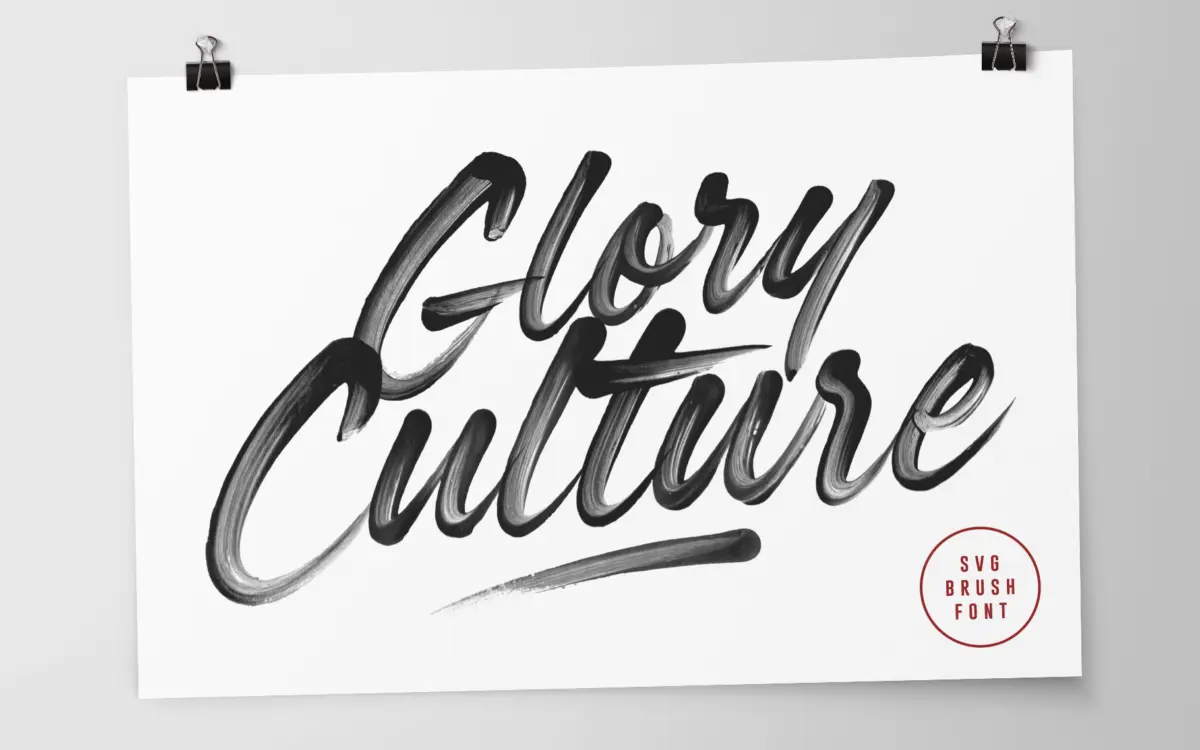
Glory Culture is a brush script that leans into its own mess. The strokes carry visible bristle texture, uneven edges and the kind of ink pooling you get from an actual brush dragged across paper, rather than the smoothed-out vector approximation most script fonts settle for. That texture is baked into the letterforms as transparency, so the roughness isn’t a filter applied after the fact — it’s part of the glyph itself.
The letters lean forward with some energy, strokes thinning and thickening unevenly, which reads as handmade rather than engineered. It sits closer to a sign-painter’s gesture than a calligrapher’s discipline. The joins between letters are loose and a little unpredictable, which is the whole appeal: it doesn’t look like fifty other brush scripts built on the same skeleton.
Character set and features
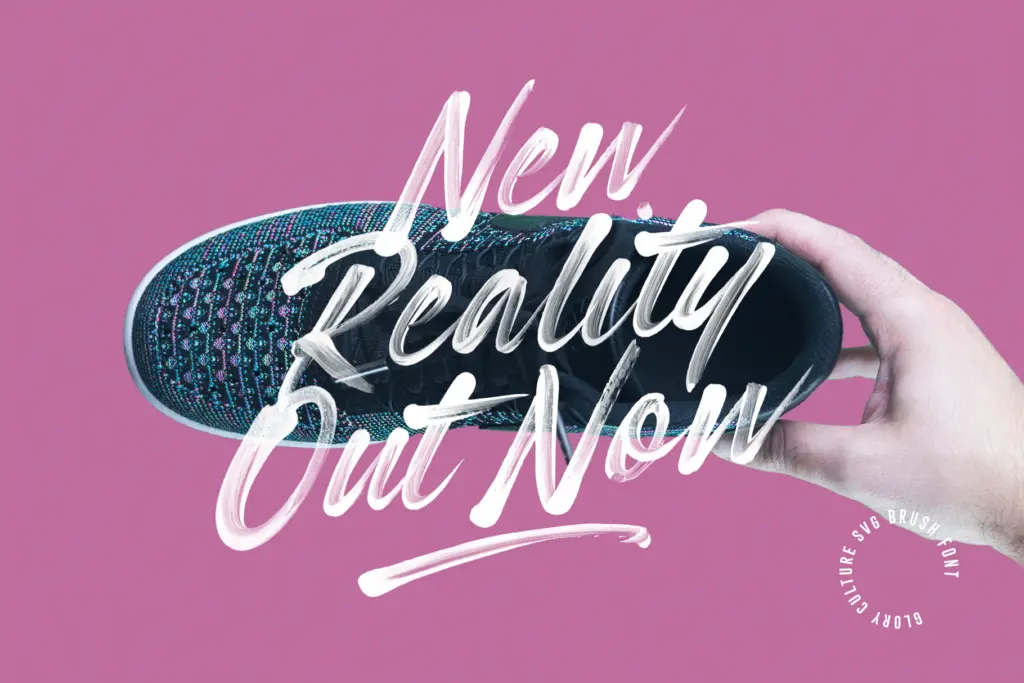
The package covers upper and lowercase, numerals and a decent spread of punctuation, plus two extra fonts worth knowing about. Glory Culture Alt SVG swaps in a second set of upper and lowercase forms, so you can alternate between the two to break up repetition — useful in any script font, since repeated letters within a word are where the handmade illusion usually falls apart. Glory Culture All Caps SVG gives you uppercase shapes built specifically to work together in all-caps settings, rather than just capitals borrowed from the lowercase design.
The catch is technical, not aesthetic: the textured SVG versions only render their full detail in Photoshop CC 2017+, Illustrator CC 2018+ or Procreate 4.3+. Outside those apps, you’re working with a standard OpenType font, which will still carry the brush outlines but loses the colour-transparency texture that is the font’s main selling point. Anyone laying this out in a browser, a basic design tool, or an app without OpenType-SVG support should expect a flatter result than the marketing images show.
Use cases
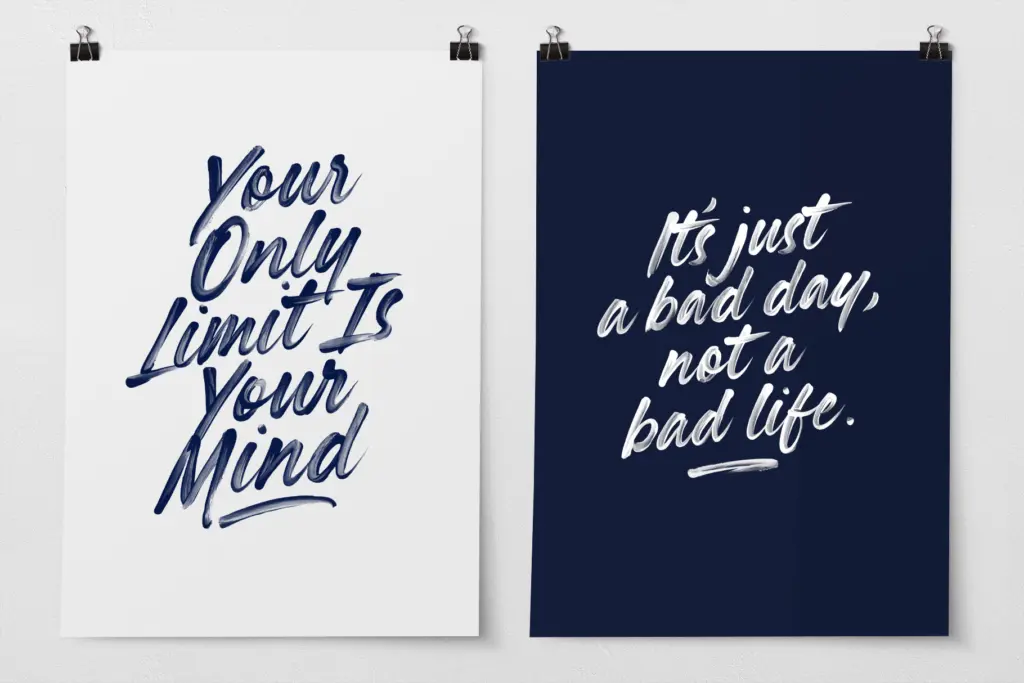
This is a display font, full stop — it’s not meant to be read in paragraphs, and at small sizes the textured edges turn to noise rather than character. Where it earns its keep is in short-form, high-impact text: a headline on a poster, a product label, a social media graphic, a logotype that wants some hand-painted warmth instead of a clean vector curve. The built-in texture does a lot of the

What we liked, and what we didn’t
Strengths
- Visible brush texture is built into the glyphs rather than faked with a filter
- Alternate character set and a dedicated all-caps font help avoid repetitive letterforms
- Loose, uneven joins give it a hand-painted character missing from cleaner brush scripts
Trade-offs
- Full textured rendering only works in a short list of specific app versions
- Not legible at small sizes or in any extended text setting
Glory Culture is a genuinely textured brush script that looks hand-painted rather than vectorised, thanks to its OpenType-SVG construction. It's built for short display text — posters, packaging, social graphics — and loses its main advantage outside a handful of compatible apps. Worth it if your toolchain supports SVG fonts; a visual downgrade if it doesn't.

Tmfonts writes independent reviews of typefaces: what each font does well, where it falls short, what it suits, and where it is sold.